

LastPass has moved to my short list of essential utilities. If you’re not familiar with it, go read my original article about the concept behind the program, then go to the LastPass web site and watch some of the videos explaining how the service works.
The design of the LastPass program is very reassuring. There is heavy-duty encryption running and all of the decryption work is done on the computer where you’re sitting. Your passwords cannot be compromised even if the LastPass servers are stolen or hacked.
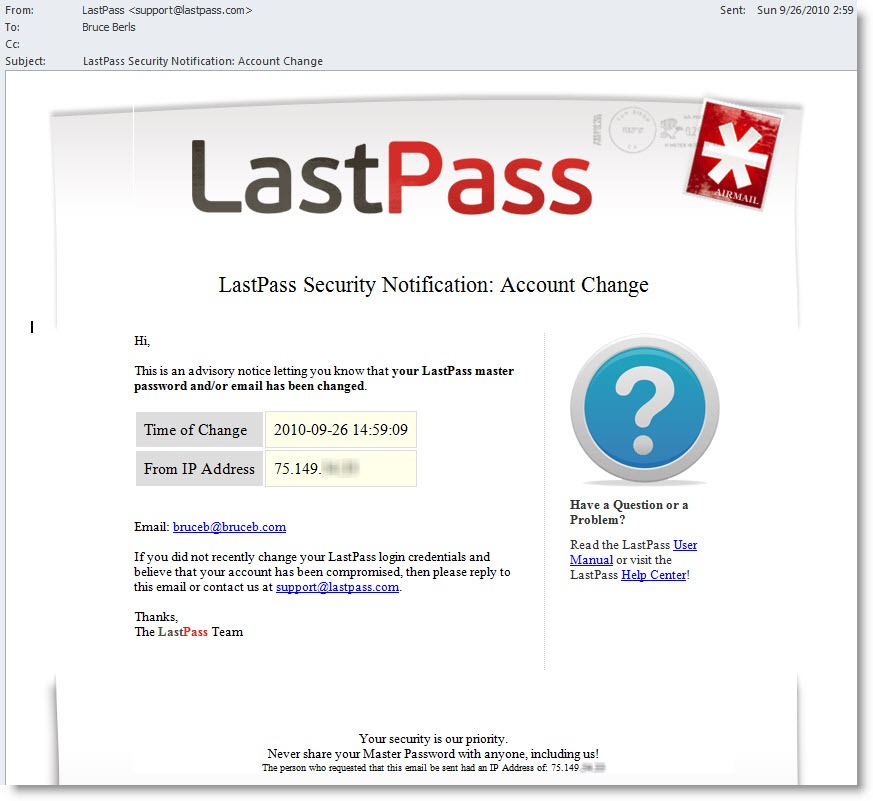
I got another reassuring indication of how seriously they take security when I changed my LastPass master password today. This email message arrived immediately, advising me that my password had been changed, along with a nice detail – the IP address that had been used for the change. It’s possible to get very general information about the location of IP addresses in the world so I would have at least been able to react if my password was changed from a computer in China or Ankh Morpork.
In addition to storing passwords for web sites, LastPass can store “Secure Notes” – anything else that should be kept secure. Anything can be stored in a secure note: bank account numbers, combinations, credit card numbers, PINs, frequent flyer numbers, and the rest. There is easy access to secure notes from the LastPass toolbar in your web browser, or from the LastPass web site. It’s simple but effective.
Make sure you use LastPass if you’re drowning in passwords, or you’re ready to begin to use different passwords for different websites. It’s truly a lifesaver.

Trackbacks/Pingbacks