


Previously:
Passwords: computer login
Passwords: e-mail
Google and Microsoft have created single sign-on systems where a master password provides access to a broad range of free services. When you sign in to your Google account and Windows Live ID, the companies’ online services will act like an extension of your computer, giving you seamless access to your online files, your pictures, social networks, messaging, games, file sharing and syncing, and many more ways to interact with your friends and colleagues.
That’s the theory, anyway. The services from both companies are changing and evolving at a dizzying pace and few of the services are as trouble free or integrated as they should be. Nonetheless, the time is right to begin using the services. Your Google Account and Windows Live ID credentials should be on the short list of passwords that you memorize.
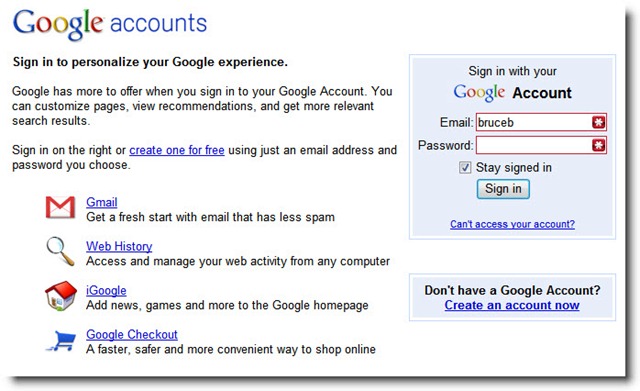
If you have a Google Account, you need to know:
- the login name (usually, but not always, your email address)
- the password
- the web site to log in, set up an account, or reset a forgotten password: https://www.google.com/accounts
You can set up a Google Account with your regular email address. (If you have a GMail address, the GMail address and password are also your Google Account credentials.)
You are not limited to one Google Account; you can set up multiple accounts with your own email addresses or set up multiple GMail addresses. Don’t do that! You will lose many of the benefits of the integrated services if you have to log in and out of different Google Accounts, and you will have the obvious problem of forgetting login names and passwords.
When you create a Google Account and tell your browser to memorize the password, a cookie is stored on your computer that logs you in automatically to Google web sites and services. Look for your name or e-mail address in the upper right corner of the page.
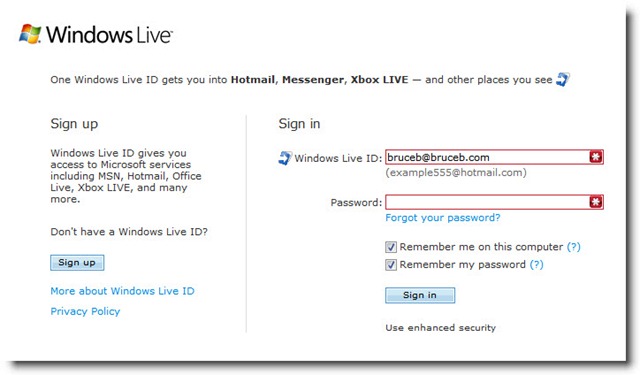
If you have a Windows Live ID, you need to know:
- the login name (usually, but not always, your email address)
- the password
- the web site to log in, set up an account, or reset a forgotten password: http://login.live.com
You can set up a Windows Live ID with your regular email address. (If you have a Hotmail or Windows Live email address, the email address and password are also your Windows Live ID credentials.)
The same important tips apply to your Windows Live ID:
- The Windows Live services will work better if you have a single Windows Live ID, not multiple sets of credentials.
- Your life will be simpler if you use your regular email address as your Windows Live ID.
Microsoft uses a variety of methods to assist you in logging in to the Windows Live system and staying logged in. Microsoft released a separate bit of software for Windows 7, the “Windows Live Sign-In Assistant,” to link a Windows Live ID to a Windows 7 user account, but it hasn’t really done anything to promote it. There are browser add-ons to assist in logging in to Windows Live web sites. Some of the programs (Live Mesh and Windows Live Sync, for example) memorize the credentials separately. It’s all designed to make it seamless for you to stay logged in to the Windows Live services so that you can use programs online and offline without giving it a second thought.
For what it’s worth, Microsoft’s efforts have not gone well. I’m always logged into a Google service when I arrive there in my web browser but I have wrestled with Microsoft sites in a hundred ways. Random examples:
- Microsoft has huge resources for partners selling and supporting Microsoft products, mostly set up so that the pages will only display if a partner logs in with a recognized Windows Live ID. For months, I could not use those resources – I could see the URL of something checking my ID, followed by a “Page Not Found” message. (Oddly, they appeared instantly when I started using Firefox instead of Internet Explorer.)
- I can’t go straight to my own Skydrive site (“Page Not Found”) but everyone else can, and I can get there from a link on any other Windows Live site.
I have enabled and disabled the assistants and add-ons in every combination, to no avail. That’s not a reason to avoid the Windows Live infrastructure, just know that you’re not alone if you have any similar problems.
Once you’re logged in, you have a lot to explore. I have written frequently about Google and Windows Live services, from Google Voice to Windows Live Skydrive and Windows Live Photo Gallery. Both companies will be fighting for your online files in 2010, with Google Docs competing with Microsoft Office Web Applications. Both companies have many, many more free services for you.
So here is your assignment. By the next time we meet, I want you to be able to log in to a Google Account and a Windows Live ID, using your regular email address and a complex password that you have memorized. Go make it so!

Trackbacks/Pingbacks